

Hobart
Fullers Bookshop
Hobart Bookshop
State Bookstore
Launceston
Petrarchs Bookshop
or my surgery at High Street Family Practice at 11 High Street, East Launceston

Available soon personally signed copies direct from Author via the Merchandise page

How to access Kindle Version.
If you already have an Amazon account and Kindle you can Log in to your Amazon account or click What you were never told for easy access.
Next click on Books in the Tool Bar
Then click on Kindle eBooks in the Tool Bar
Type ‘What you were never told’ in the Search Bar
You will need Kindle to access the book, free downloads are available from your App Store
Or download using the QR code on the book site
Now you have finalised your registration Click on the ‘Buy now with 1 Click’ and book will be delivered to your Kindle / App


Creating an Amazon Account
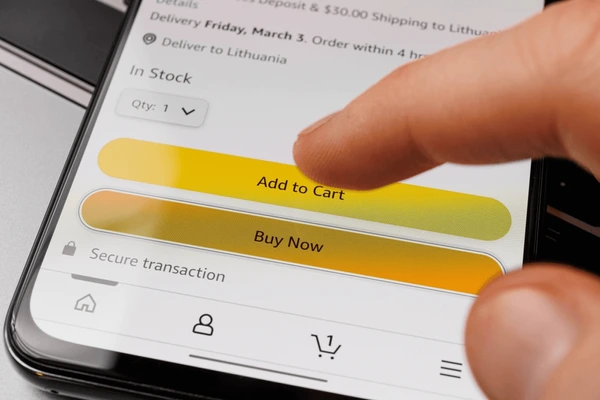
You can’t make purchases from Amazon without an account, even if you are using COD, Debit/Credit card, net banking, or gift card payment. You need an Amazon account to place an order.
Here are the steps to create your Amazon account:
Go to Create Amazon Account Enter your name. Enter your mobile phone or email. Note: If you already have a Google account or other supported services you can register using these to simplify the process. Enter and then confirm your password to be used with this account. Press the Verify Mobile Number or Email button. If you entered your email address, a code will be sent to the email you have registered with, post the code in here. If you entered your mobile phone number, you will receive a text message to verify it. That’s it. You should now be signed in with your brand-new Amazon account. That’s it. You should now be signed in with your brand-new Amazon account
